QuickConverter app icon QuickConverter · Android

Convert anything,
right on your phone.

Convert, compress, and resize PDFs and images directly on your Android device — fast, offline, and completely private. Your files never leave your phone.

See it in action

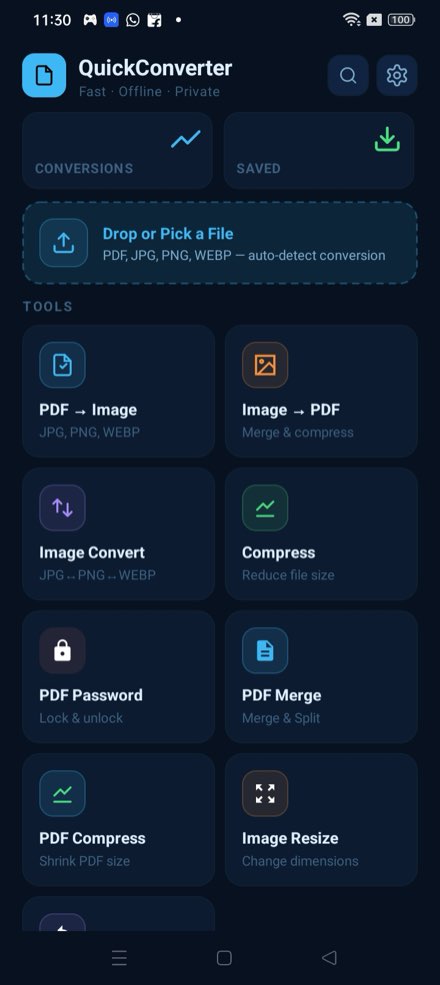
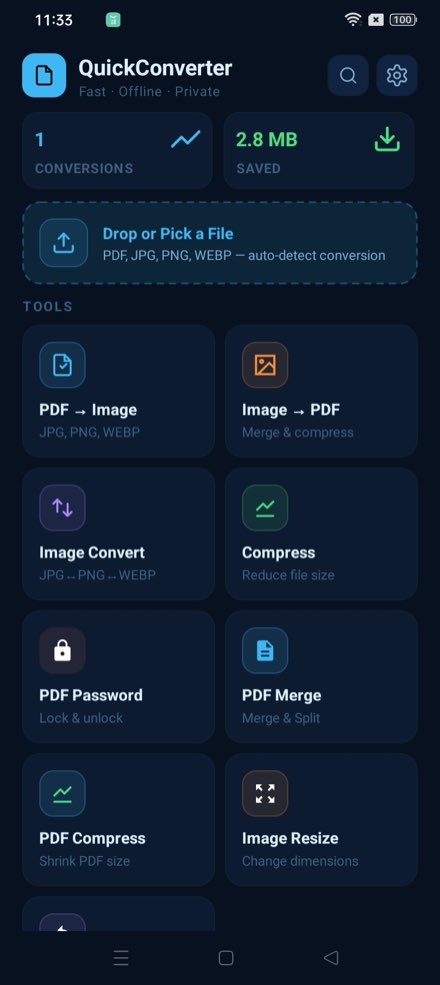
A clean, native Android app with eight tools just a tap away.

Tools dashboard
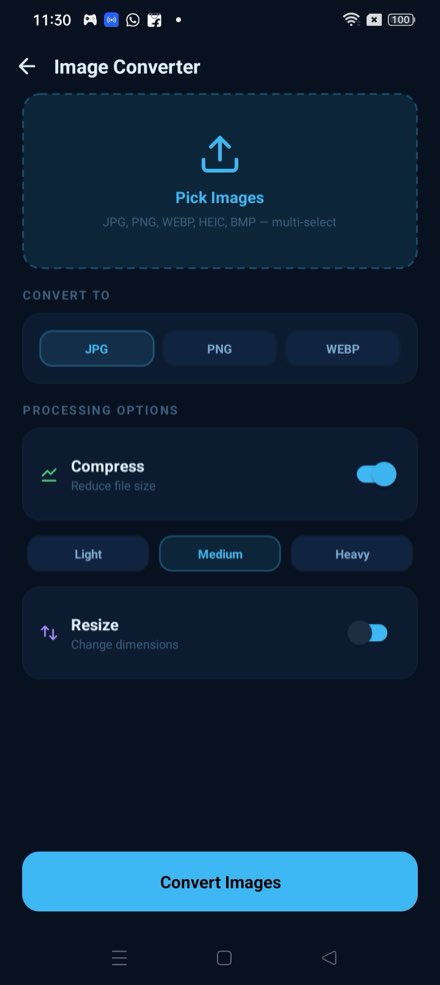
Image converter
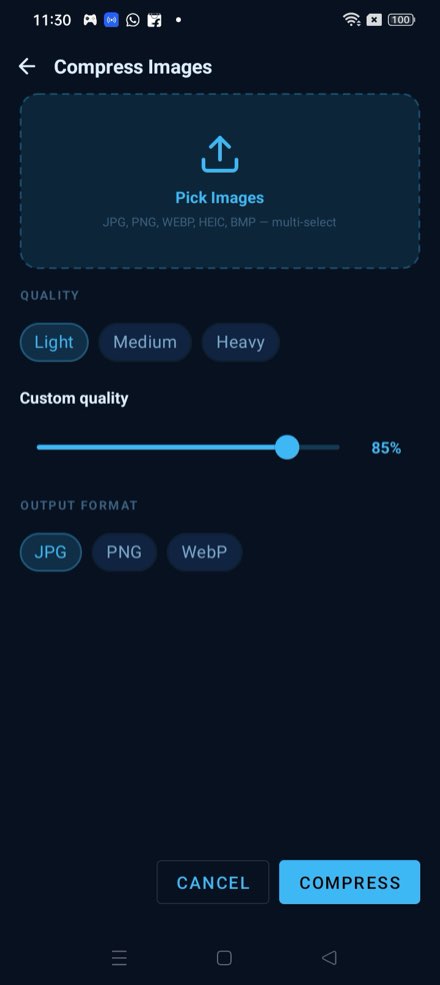
Compress images
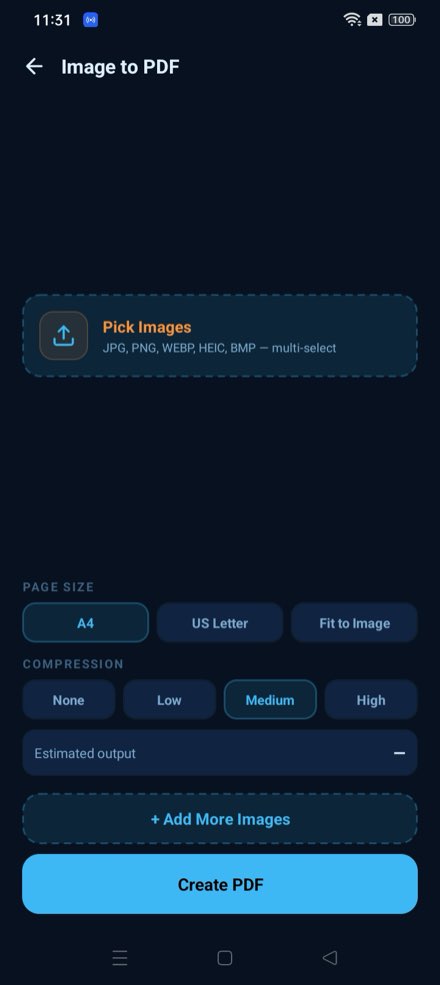
Image to PDF
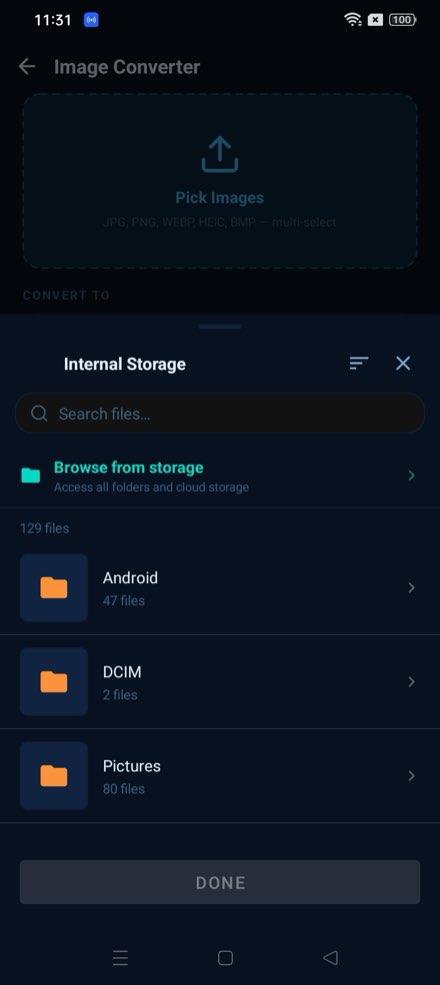
File picker
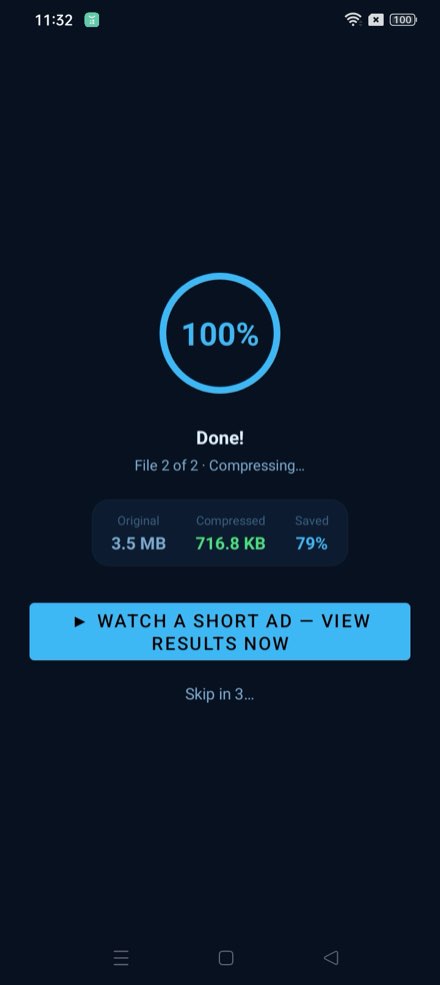
Processing
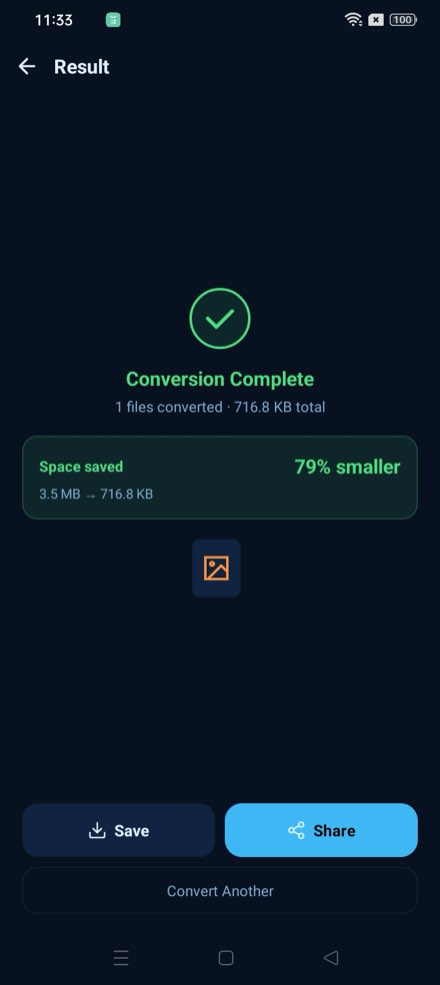
Result
Home with stats
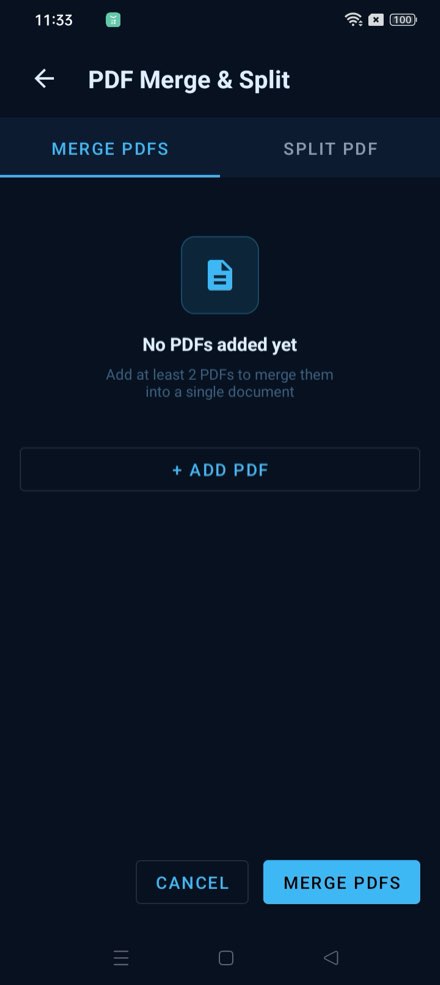
PDF merge and split
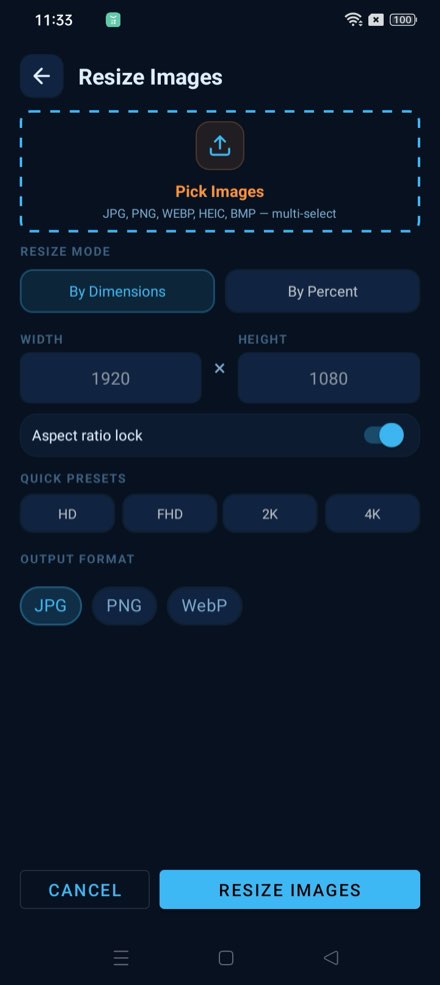
Image resize

← Swipe · tap any screen to enlarge

Eight tools for every file

Everything you need to convert, compress, and organise PDFs and images — in one app.

📄

PDF → Image

Extract pages from any PDF and save them as JPG, PNG, or WEBP. Pick individual pages or convert the whole document at once.

📷

Image → PDF

Merge multiple images into a single PDF. Choose A4, US Letter, or Fit to Image page size, with built-in compression control.

🔄

Image Convert

Convert between JPG, PNG, WEBP, HEIC, and BMP in bulk. Multi-select images and convert them all in a single tap.

📈

Compress

Shrink images up to 79% smaller with a custom quality slider. Choose Light, Medium, or Heavy — then see the exact bytes saved.

🔒

PDF Password

Lock PDFs with a password to restrict access, or unlock existing password-protected files when you need to edit them.

📄

PDF Merge & Split

Combine multiple PDFs into one document, or split a large PDF into individual pages — without any file size limits.

All processing happens on your device

QuickConverter never uploads your files. No internet connection needed — everything runs locally, instantly, and privately.

100% on-device No internet needed No file uploads Instant results

Common questions

Are my files uploaded to a server?
No. Every conversion, compression, and resize runs entirely on your device. QuickConverter works fully offline and your files never leave your phone.
Which formats can I convert?
Images convert between JPG, PNG, WEBP, HEIC, and BMP. PDFs can be exported to images, and images can be merged into a PDF.
Is there a file size limit?
No. PDF merge and split have no file size limits — you're only bound by your device's available storage.
Does it cost anything?
QuickConverter is available on the Google Play Store. Check the listing for current pricing and details.
What Android versions are supported?
See the "About this app" section on the Google Play listing for the minimum supported Android version.